
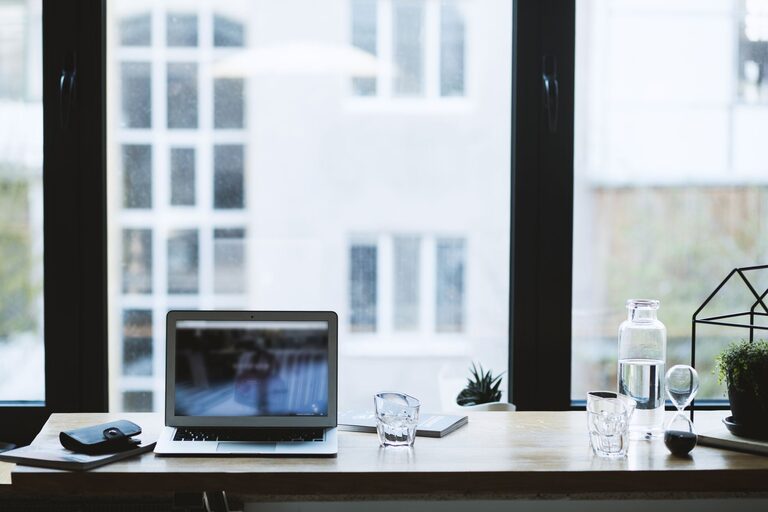
Creating a dedicated and productive home office space is essential for anyone working remotely or running a business from home. A well-designed workspace can improve focus, reduce distractions, and keep your workday running smoothly. Whether you have a spare room or just a small corner, there are practical ways to set up a home office that works for you.
Choose the Right Location
Finding the best spot for your home office is the first step. Consider the following:
– Quiet and Low Traffic: Pick an area with minimal noise and interruptions, especially if you have other people in your house.
– Natural Light: Position your desk near a window to benefit from daylight, which can boost mood and alertness.
– Space for Your Equipment: Ensure there is enough room for your computer, printer, files, and any other tools you need.
Avoid working from places like the kitchen table or your bed, where distractions and discomfort can limit productivity.
Invest in Comfortable and Functional Furniture
Your furniture plays a big role in your comfort and health during work hours.
Desk
Choose a desk size that fits your work needs but doesn’t overcrowd the space. If possible, consider adjustable or standing desks to alternate between sitting and standing.
Chair
Invest in an ergonomic chair that supports your posture, especially if you work long hours. Look for adjustable height, lumbar support, and comfortable cushioning.
Organization Solutions
Add shelves, drawers, or filing cabinets to keep your office supplies and documents organized and within reach.
Set Up Proper Lighting
Good lighting reduces eye strain and helps maintain energy levels.
– Use a combination of natural and artificial light.
– Position task lighting, like a desk lamp, to illuminate your primary work area without causing glare on your screen.
– Consider adjustable brightness options to match your work time and tasks.
Minimize Distractions
Keeping your workspace distraction-free helps maintain focus throughout the day.
– Use noise-canceling headphones if your environment tends to be noisy.
– Keep your workspace tidy by regularly decluttering.
– Set boundaries with family members or housemates about your work hours and space.
Organize Cables and Tech
A tangled mess of cables can create unnecessary stress and a cluttered look.
– Use cable organizers, clips, or sleeves to keep cords neat.
– Choose wireless accessories like keyboards and mice when possible.
– Regularly clean your tech gear to maintain its performance.
Personalize Your Space
Adding personal touches can make your office more inviting and motivating.
– Include plants for natural color and better air quality.
– Hang artwork or photos that inspire you.
– Use colors and décor that help you feel calm or energized, depending on your preferences.
Establish a Routine and Boundaries
A successful home office goes beyond the physical space—it also involves your habits.
– Set clear working hours and stick to them.
– Take regular breaks to stretch and refresh.
– Use productivity tools or planners to organize tasks.
Utilize Technology to Stay Connected
Remote work can feel isolating, but technology helps bridge the gap.
– Keep communication apps handy for team meetings.
– Use calendar apps to schedule breaks and appointments.
– Backup your work regularly to cloud services.
Keep it Clean and Maintain Your Space
Regular cleaning prevents dust build-up and keeps your environment healthy.
– Wipe down surfaces and electronics weekly.
– Vacuum or sweep the floor, depending on your flooring type.
– Air out the room to keep fresh circulation.
—
By implementing these tips, you can create a home office space that supports efficiency and well-being. A thoughtful setup tailored to your needs helps separate work from personal life, enabling better focus and increased productivity while working from home.